Session Studio
Create and finalize a Live Wedding session directly from iPhone or iPad. Reconnecting with the same session UUID never creates a duplicate gallery.
HARU TETHER 4.3 · LIVE WEDDING SESSION STUDIO
Capture over USB-C or Wi‑Fi, run the whole Live Wedding session from iPhone or iPad, and deliver verified files to Lightroom, Gallery and NAS without breaking the shooting rhythm.
HARU Tether 4.3 · Receiver 16/16 tests passed · Gallery API smoke-tested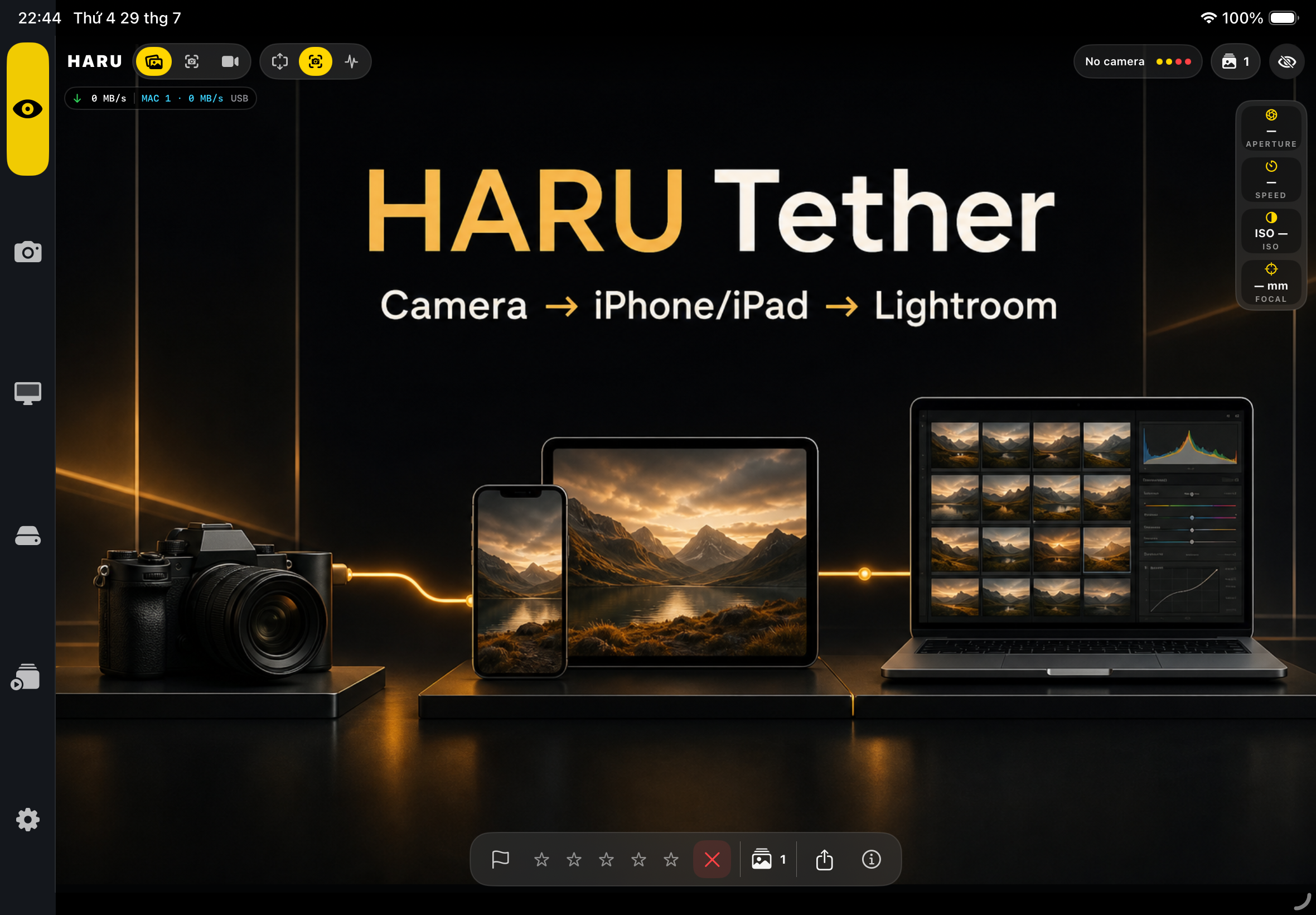 LIVE MONITOR · CURRENT BUILD
NEW IN 4.3 / LIVE WEDDING
Session Studio brings capture, review, Director decisions, publishing and the public wedding gallery into one controlled workflow.
Create and finalize a Live Wedding session directly from iPhone or iPad. Reconnecting with the same session UUID never creates a duplicate gallery.
See the latest frame, Camera, Mac, Server and Director health, transfer speed and waiting files in one landscape-ready console.
Watch files stabilize, wait for Director Picks when enabled, then publish atomically from Lightroom into the event gallery.
Create a public event link with its own QR/token, watermark and download policy, plus a FaceIndex isolated to that session.
Flag blur, closed eyes, exposure risks and near-duplicates with an audit trail. AI never deletes, rejects or publishes automatically.
The Mac keeps the admin token locally. iPhone and iPad receive the public link, while Gallery access stays behind the Receiver.
01 / THE CURRENT APP
These are fresh captures from the current iPad build—not concept mockups. Every screen is designed for landscape operation on a real production set.
A photo-first canvas with transfer speed, camera metadata, rating, sharing and a fast review strip.
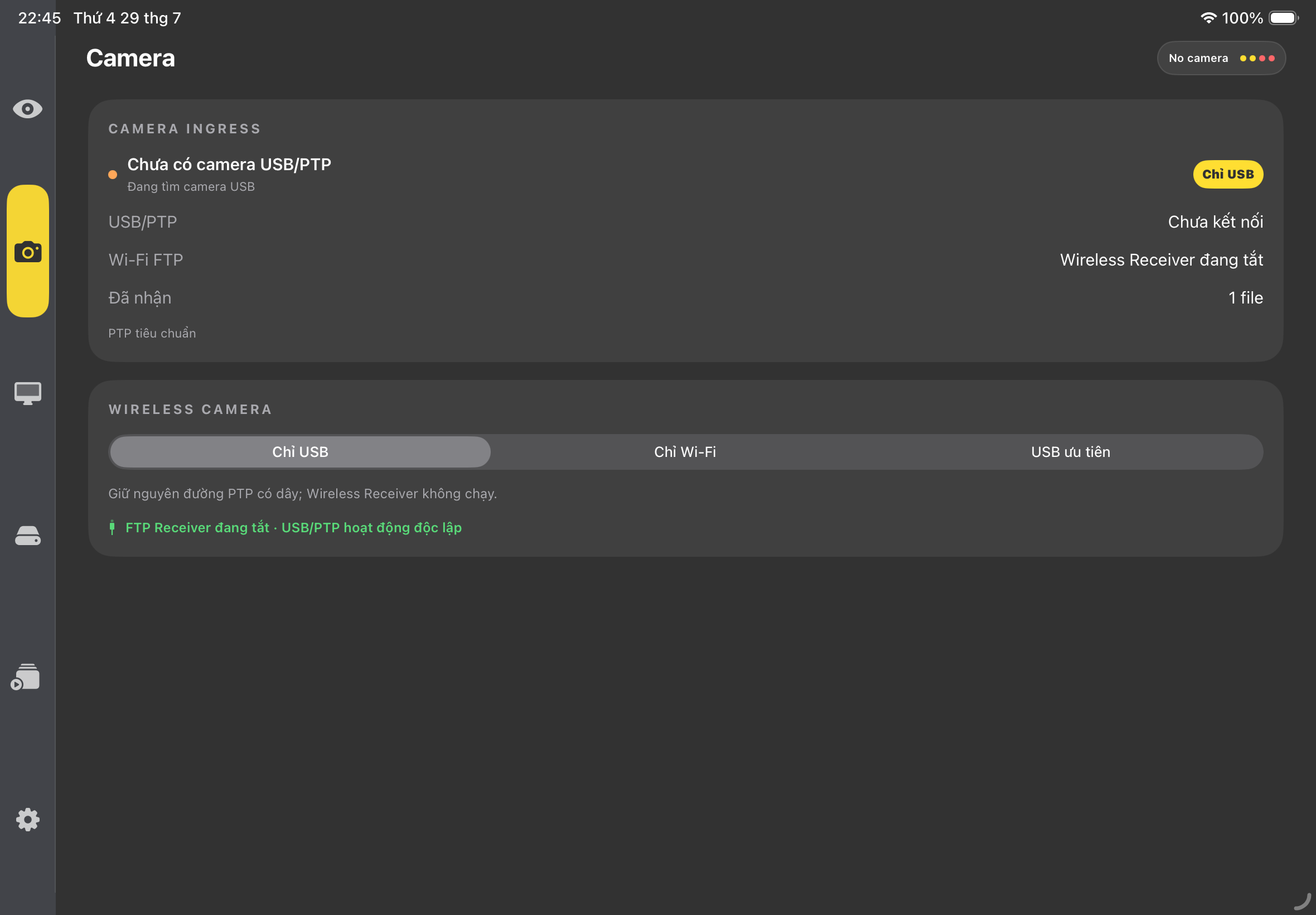
Choose USB only, Wi‑Fi only or USB priority. Wireless FTP can wait as an independent fallback.
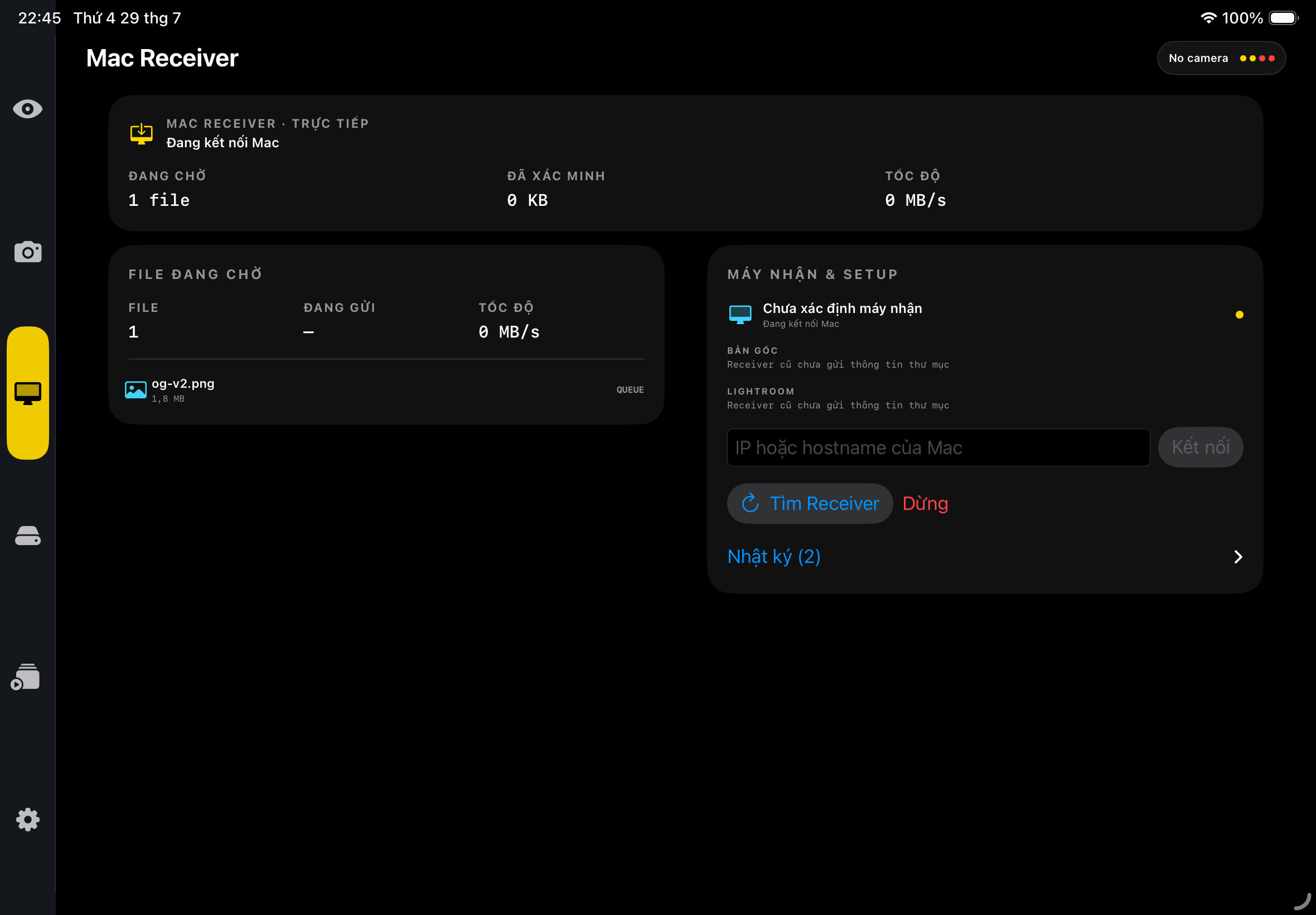
Send completed originals directly to a nearby Mac and hand them to Lightroom without waiting for cloud delivery.
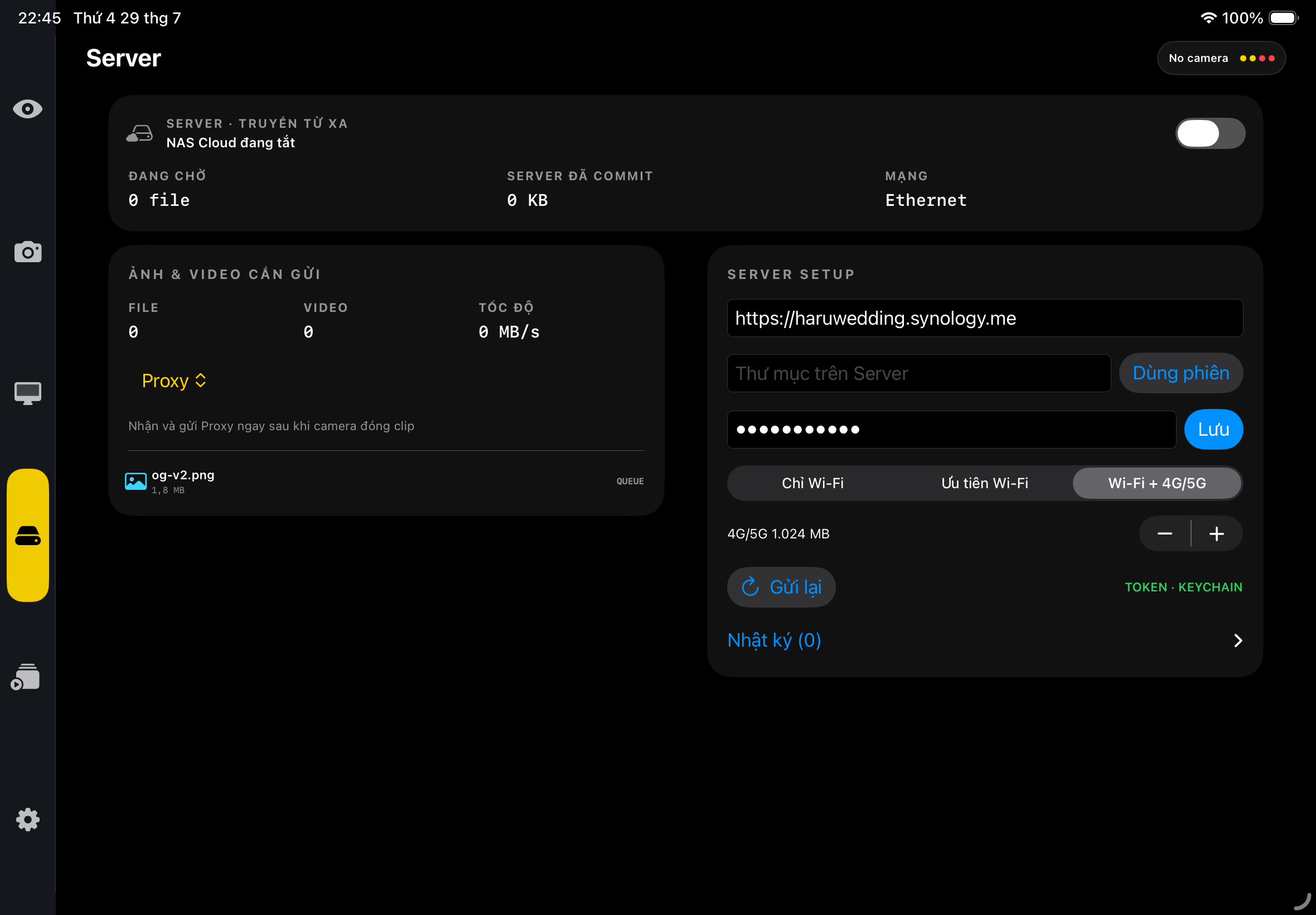
Maintain an independent NAS queue with network policy, retry controls and persistent delivery status.
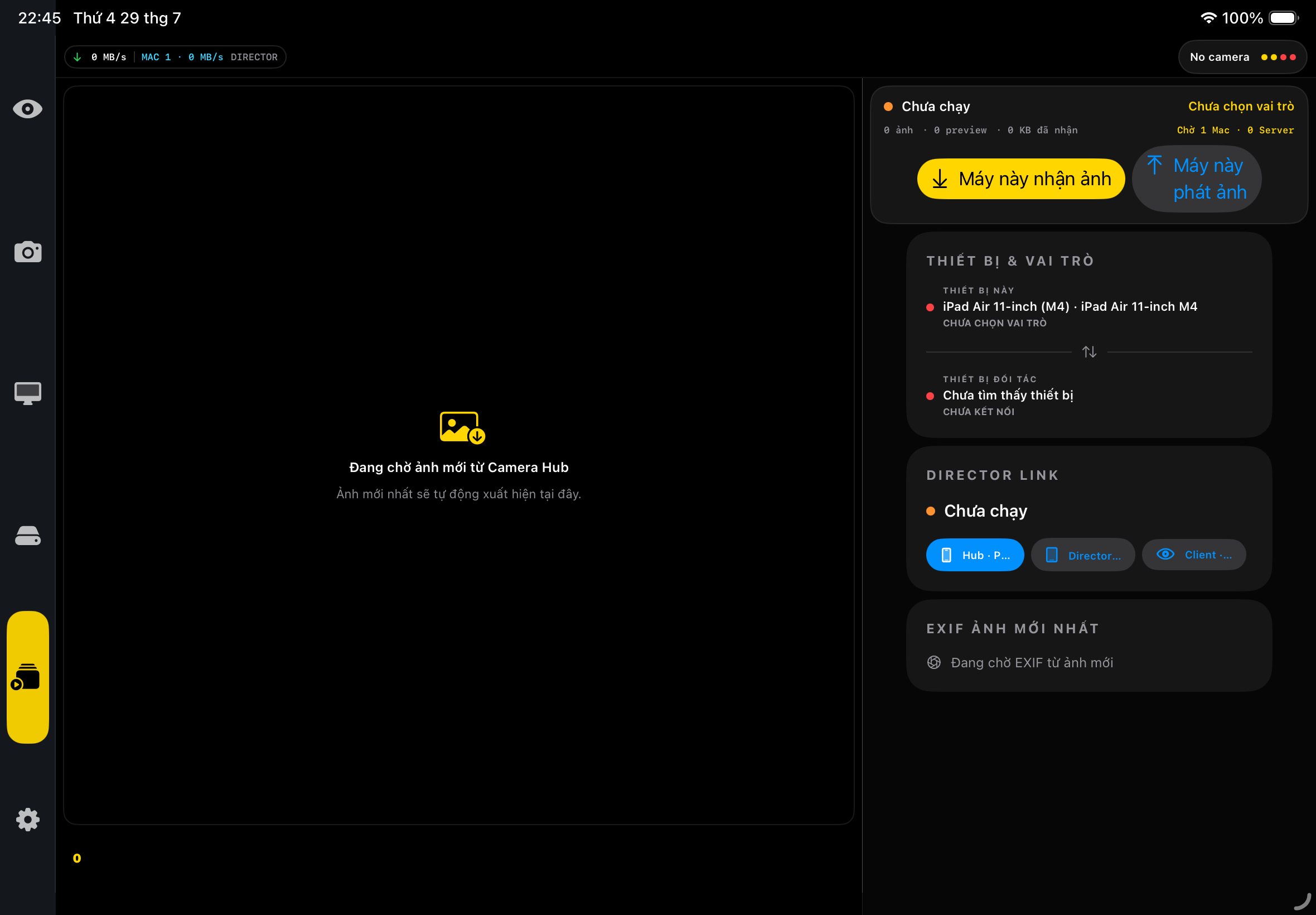
Pair a review device, stream encrypted previews and keep the photographer’s monitor free for shooting.
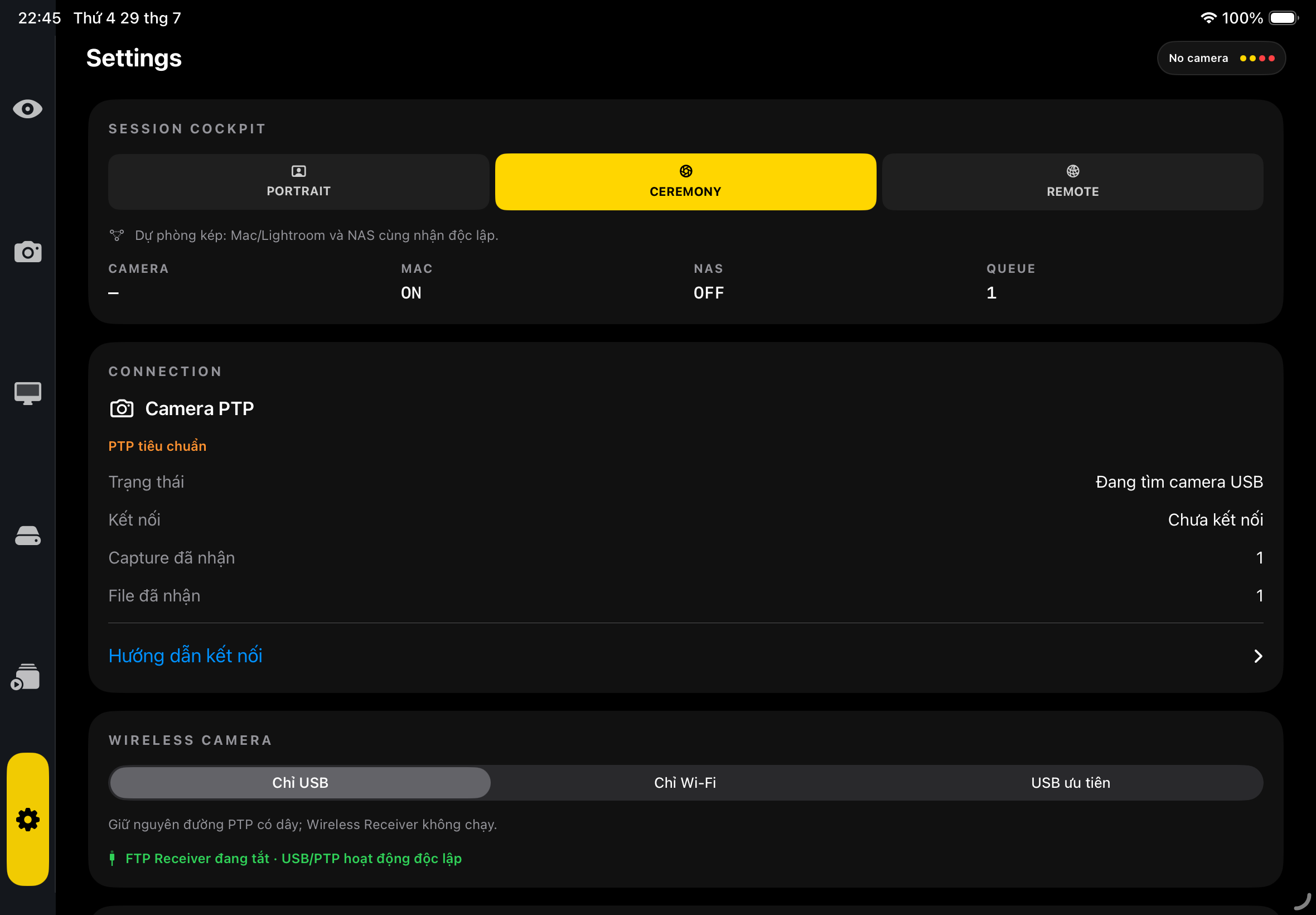
Switch between Portrait, Ceremony and Remote presets while seeing camera, Mac, NAS and queue state together.
02 / THE FILE ROUTER
Shot Passport identifies every file by checksum and size. USB and Wi‑Fi converge without duplicates, while Mac and NAS deliveries keep separate verified state.
Auto FTP Receiver supports resumable transfers and keeps partial files hidden until completion.
A durable identity follows every RAW or JPEG through capture, verification and delivery.
Mac/Lightroom and NAS Remote Editor can be enabled, paused or recovered independently.
See camera-to-device and outbound transfer speed directly in the Monitor HUD.
After recording stops, route a proxy or the original clip to NAS over Wi‑Fi or 4G/5G with resume and duplicate protection.
03 / FROM SHUTTER TO EDIT
Use USB-C for the primary tether, Wi‑Fi for freedom, or USB priority with wireless fallback.
Check the latest frame, EXIF, rating and delivery status without leaving the Monitor.
Mac Receiver verifies originals before publishing them to Lightroom or Capture One; NAS continues separately.
04 / FIELD STATUS
Sony A7S III has been tested over USB-C. Sony A7 IV and Canon EOS R5 C remain Beta hardware profiles. Wireless FTP, burst RAW and Live View still require the full field matrix before stable compatibility is announced.
FIELD BETA
Contact us on Telegram for compatibility updates, setup notes and access to the next field-testing group.
Contact on Telegram→Telegram · +84 778 470 345